LinkedIn To CRM In Seconds
LinkedIn To CRM In Seconds
Linkedin To Pipeline  Instantly
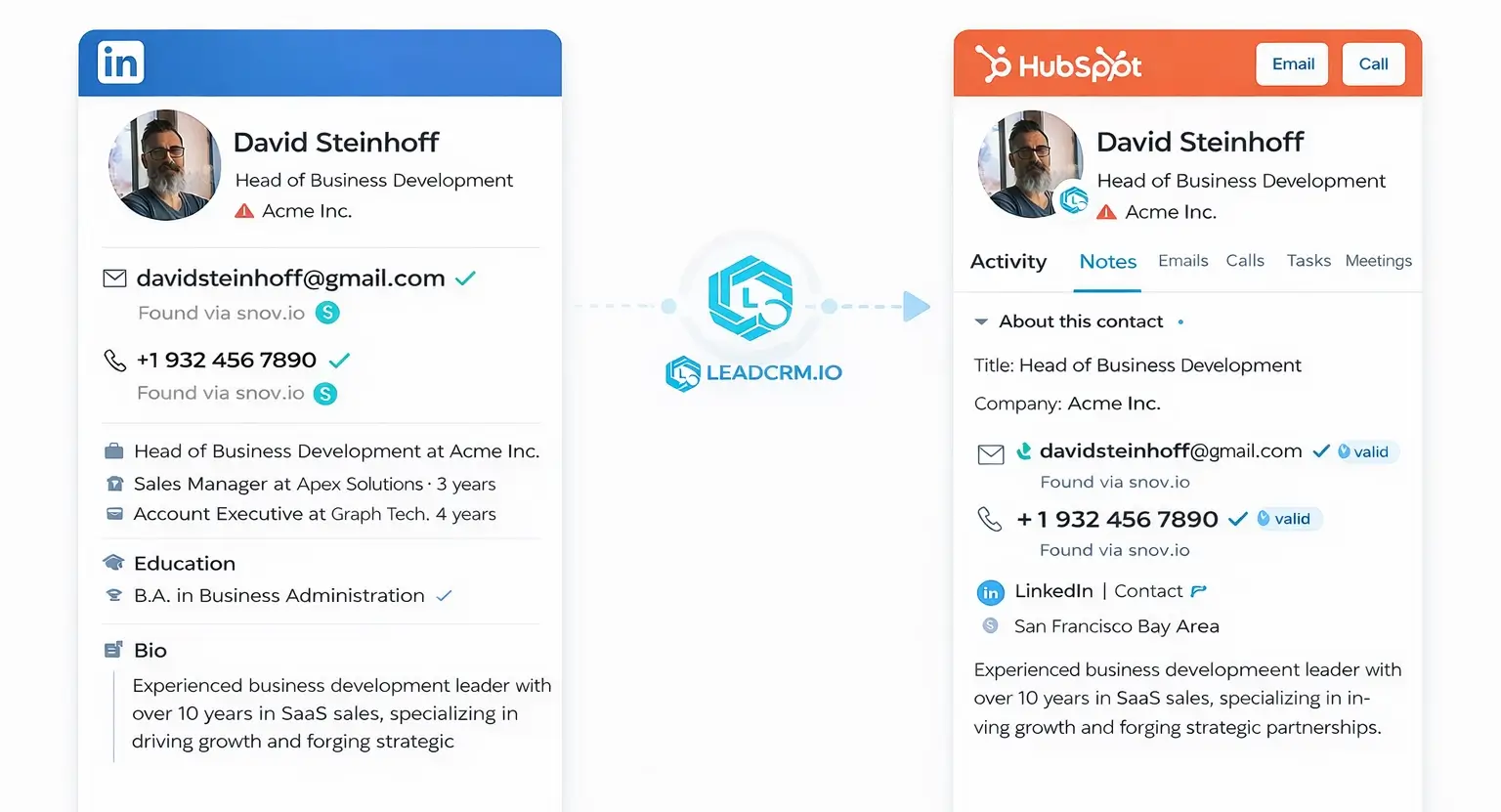
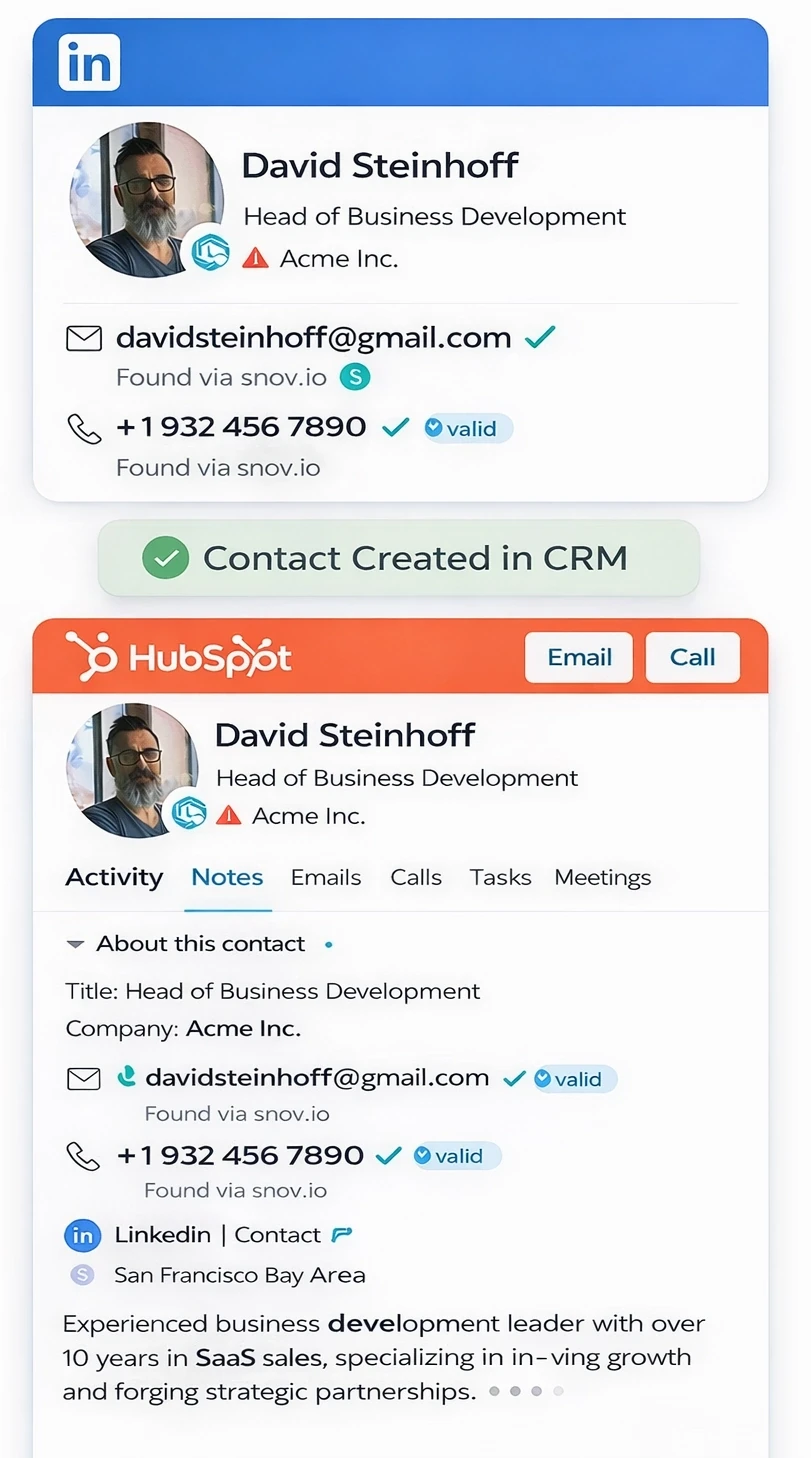
LeadCRM allows you to browse LinkedIn and sync any contacts details directly into your CRM as organized records.
Linkedin To Pipeline
Instantly
LeadCRM allows you to browse LinkedIn and sync any contacts details directly into your CRM as organized records.









Syncing To CRM
Syncing To CRM
Syncing To CRM
Try It Free
Watch how LeadCRM captures LinkedIn profiles and syncs them into your CRM automatically.
LeadCRM captures LinkedIn profiles and syncs them into your CRM automatically.
Turn any LinkedIn profile into a
complete CRM record
Turn any LinkedIn profile into a
complete CRM record
LeadCRM captures contact data directly from LinkedIn as you search and sends it into your CRM automatically, so you can move from prospect to pipeline without slowing down.
Seemlessly Sync
Linkedin To Your CRM
Capture and sync contacts without ever leaving LinkedIn while your CRM updates automatically.

Every Profile Captured
Sync Enabled
Meeting scheduled
3:00 PM Tomorrow
Lead status updated
Marked as Contacted
New Contact Found
Profile detected
Details Captured
Data extracted
Follow-up email sent
Re: Project Proposal
Task assigned
SDR notified for
follow-up
Content personalized
Proposal customized
for Acme Inc.
CRM sync complete
Data pushed to
Salesforce
Meeting scheduled
3:00 PM Tomorrow
Lead status updated
Marked as Contacted
Seemlessly Sync
Linkedin To Your CRM
Capture and sync contacts without ever leaving LinkedIn while your CRM updates automatically.
Every Profile Captured
Sync Enabled
Meeting scheduled
3:00 PM Tomorrow
Lead status updated
Marked as Contacted
New Contact Found
Profile detected
Details Captured
Data extracted
Follow-up email sent
Re: Project Proposal
Task assigned
SDR notified for
follow-up
Content personalized
Proposal customized
for Acme Inc.
CRM sync complete
Data pushed to
Salesforce
Meeting scheduled
3:00 PM Tomorrow
Lead status updated
Marked as Contacted
Seemlessly Sync
Linkedin To Your CRM
Capture and sync contacts without ever leaving LinkedIn while your CRM updates automatically.
Every Profile Captured
Sync Enabled
Meeting scheduled
3:00 PM Tomorrow
Lead status updated
Marked as Contacted
New Contact Found
Profile detected
Details Captured
Data extracted
Follow-up email sent
Re: Project Proposal
Task assigned
SDR notified for
follow-up
Content personalized
Proposal customized
for Acme Inc.
CRM sync complete
Data pushed to
Salesforce
Meeting scheduled
3:00 PM Tomorrow
Lead status updated
Marked as Contacted
Enrich Missing Details for any LinkedIn Contact In Seconds.
Enrich Missing Details for any LinkedIn Contact In Seconds.
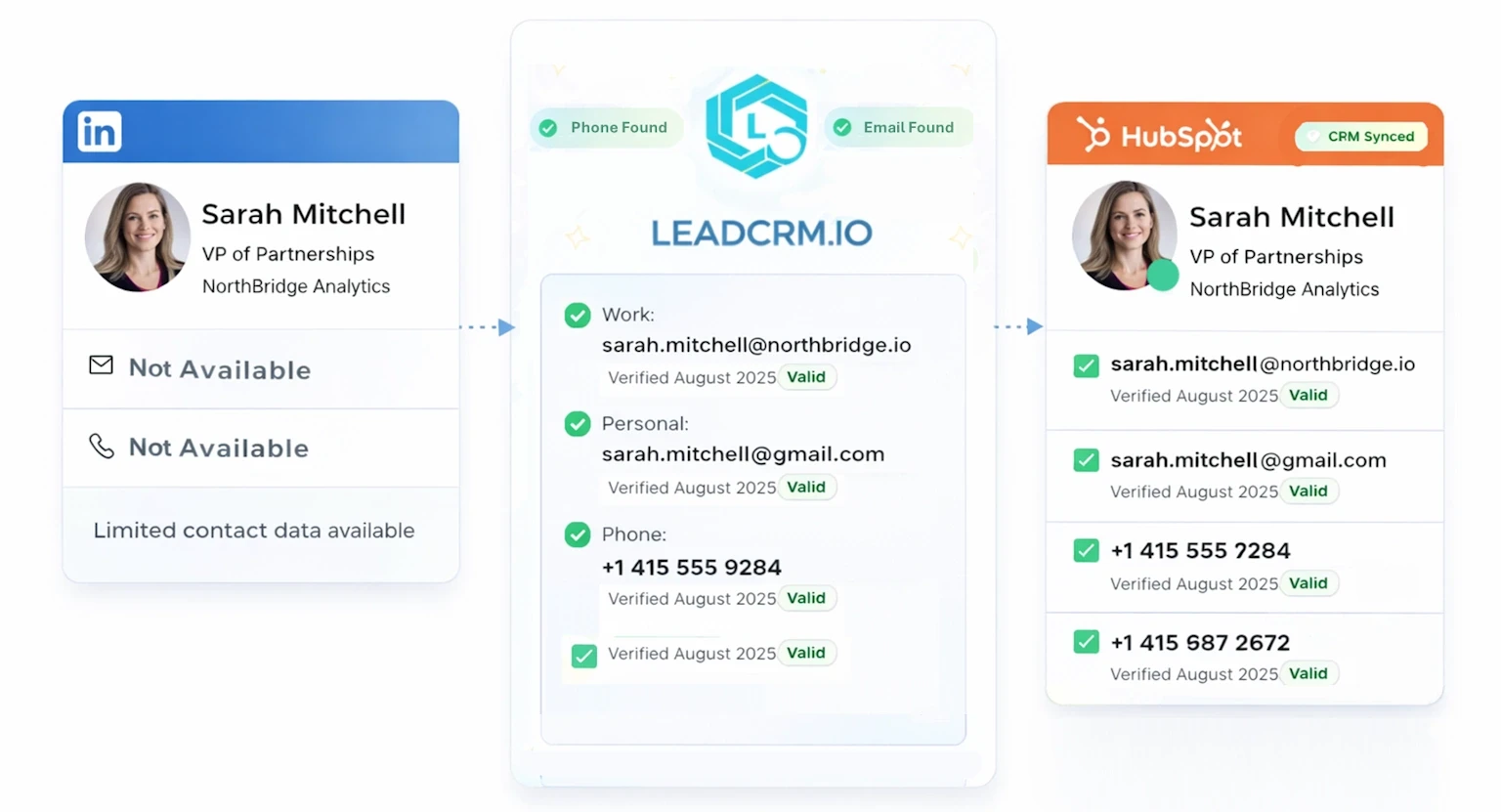
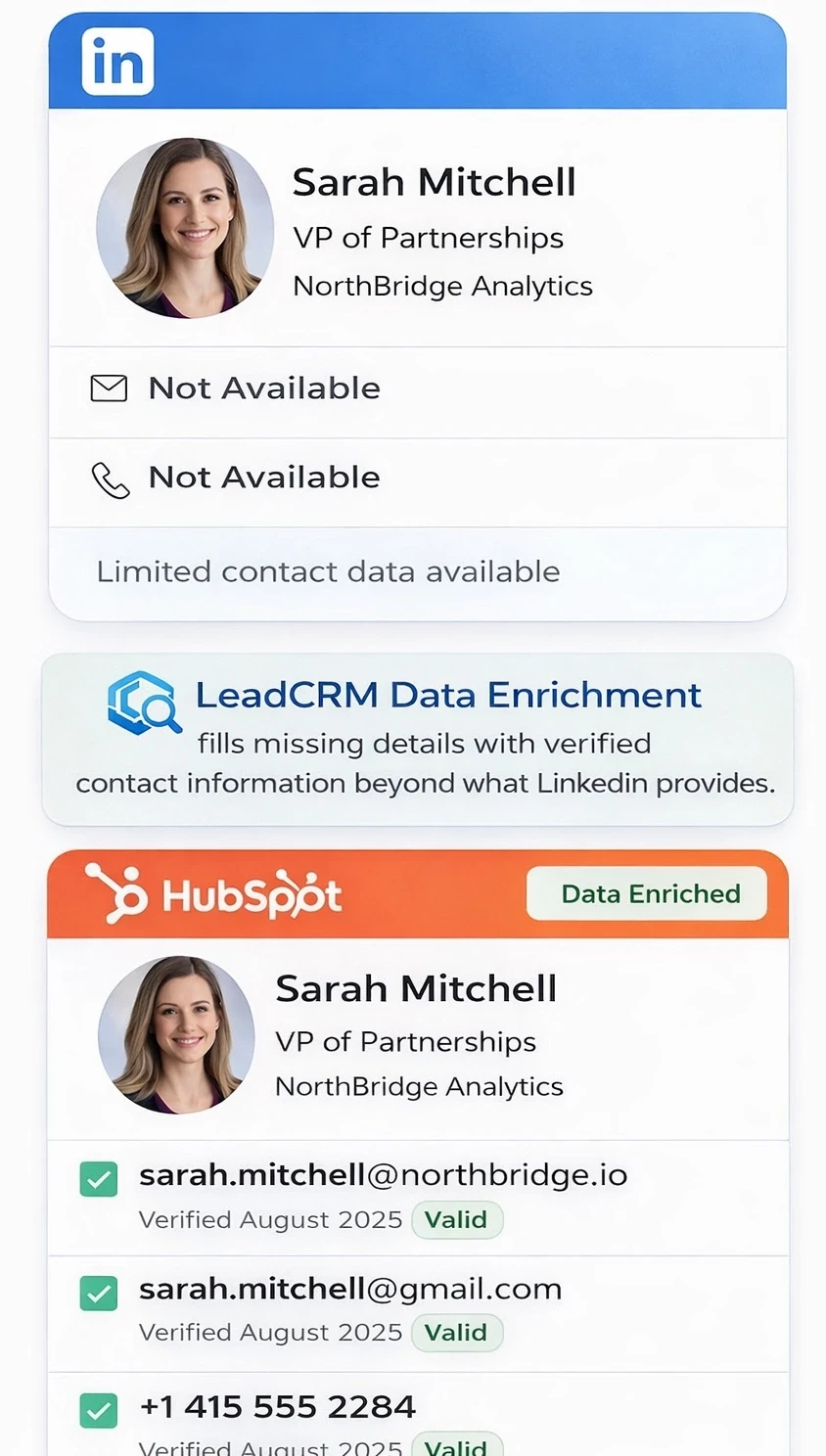
LeadCRM Data Enrichment fills missing details with verified contact information beyond what LinkedIn provides.
LeadCRM Data Enrichment fills missing details with verified contact information beyond what LinkedIn provides.
The Prospecting Engine Behind Growing Teams
The Prospecting Engine Behind Growing Teams

Before LeadCRM → After LeadCRM
Turn wasted time into more prospecting time
Turn wasted time into more prospecting time
Manual Admin Work
Min/Day
Manual Admin Work
Min/Day
Manual Admin Work
Min/Day
Manual Admin Work
Min/Day
1. Review LinkedIn profile
Manually gather lead details and meticulously organize them into structured rows and columns in a spreadsheet.
Copy contact details
Spend valuable hours researching prospects online and cross-checking databases to find accurate, working email addresses.
3. Go back to CRM
Individually write personalized outreach emails from scratch, hoping to resonate with each recipient.
4. Create new contact
Manually configure email campaigns, carefully selecting ideal send times to maximize open rates.
5. Paste profile data
Sit idly and wait, sometimes days, for prospects to slowly respond, creating uncertainty in your pipeline.
6. Check for duplicates
Regularly revisit the spreadsheet, identify unresponsive leads, and manually craft and send additional follow-up messages.
7. Add notes manually
Schedule and conduct phone calls individually to determine the genuine interest level and qualification of prospects.
8. Update after each message
Playing the never-ending back and forth with clients to get to get the correct, complete, and readable documents.
9. Find emails somwhere elese
Spend extra hours manually logging interactions, notes, updates, and lead status into your CRM to keep records up-to-date.
10. Repeat for every prospect
After numerous manual tasks, repeated efforts, and days of waiting, finally confirm the meeting with your prospect.
With LeadCRM
Min/Day
With LeadCRM
Min/Day
With LeadCRM
Min/Day
With LeadCRM
Min/Day
1. Connect Once
Plug in your CRM and stop thinking about it. Sync runs automatically from that moment forward.
1. Connect your CRM
Plug in your CRM and stop thinking about it. Sync runs automatically from that moment forward.
2. Prospect As Usual
Browse LinkedIn like you normally do. Profiles and activity update inside your CRM in real time.
3. Contacts Update Instantly
No copying. No exporting. Every qualified lead appears structured and ready to use.
4. Follow Up Faster
Your pipeline stays current, so outreach moves without delays or cleanup.
10. Meeting finally confirmed
After numerous manual tasks, repeated efforts, and days of waiting, finally confirm the meeting with your prospect.
10. Meeting finally confirmed
After numerous manual tasks, repeated efforts, and days of waiting, finally confirm the meeting with your prospect.
10. Meeting finally confirmed
After numerous manual tasks, repeated efforts, and days of waiting, finally confirm the meeting with your prospect.
10. Meeting finally confirmed
After numerous manual tasks, repeated efforts, and days of waiting, finally confirm the meeting with your prospect.
10. Meeting finally confirmed
After numerous manual tasks, repeated efforts, and days of waiting, finally confirm the meeting with your prospect.
10. Meeting finally confirmed
After numerous manual tasks, repeated efforts, and days of waiting, finally confirm the meeting with your prospect.
Work directly inside LinkedIn while you
update everything automatically.
Update Contacts automatically.
As a Chrome plugin, LeadCRM works directly in your browser and allows you to capture, structure, and update every contact all while you browse.
As a Chrome plugin, LeadCRM works directly in your browser and allows you to capture, structure, and update every contact all while you browse.
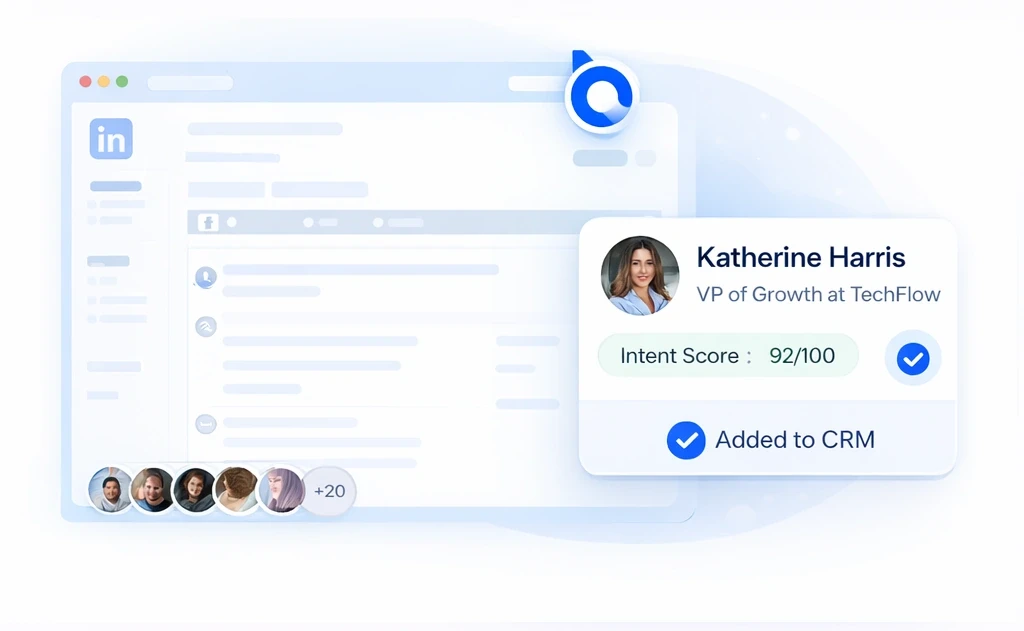
See Your CRM Info
Directly Inside LinkedIn
See Your CRM Info
Directly Inside LinkedIn
LeadCRM runs in your browser so you can work inside LinkedIn while profiles and activity sync to your CRM in real time.
LeadCRM runs in your browser so you can work inside LinkedIn while profiles and activity sync to your CRM in real time.
Lead CRM Works
Directly Inside LinkedIn
LeadCRM runs in your browser so you can work inside LinkedIn while profiles and activity sync to your CRM in real time.
See Your CRM Info
Directly Inside LinkedIn
See Your CRM Info
Directly Inside LinkedIn
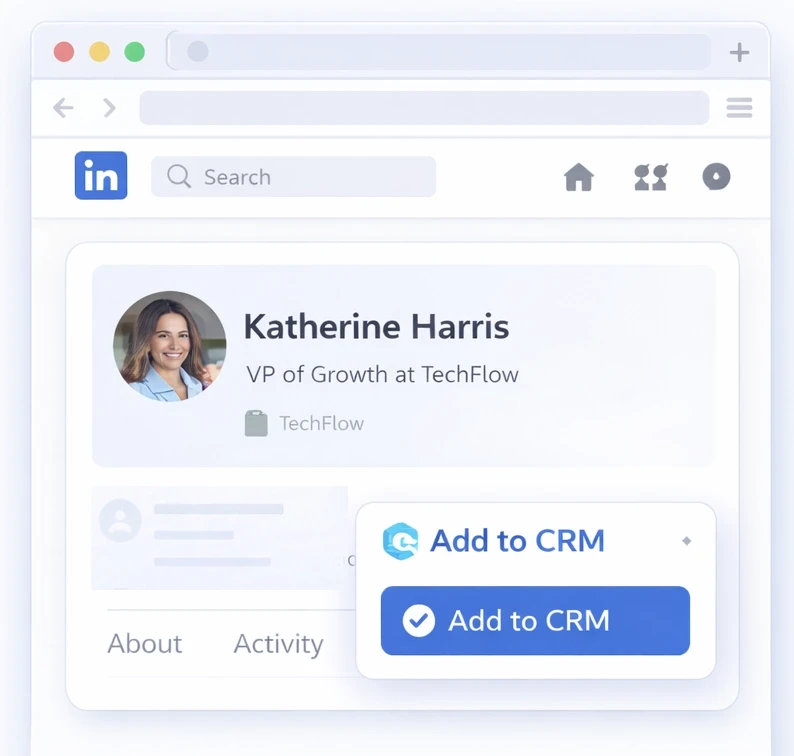
When you open any LinkedIn profile, LeadCRM shows whether the contact exists in your CRM and lets you sync updates without leaving LinkedIn.
When you open any LinkedIn profile, LeadCRM shows whether the contact exists in your CRM and lets you sync updates without leaving LinkedIn.
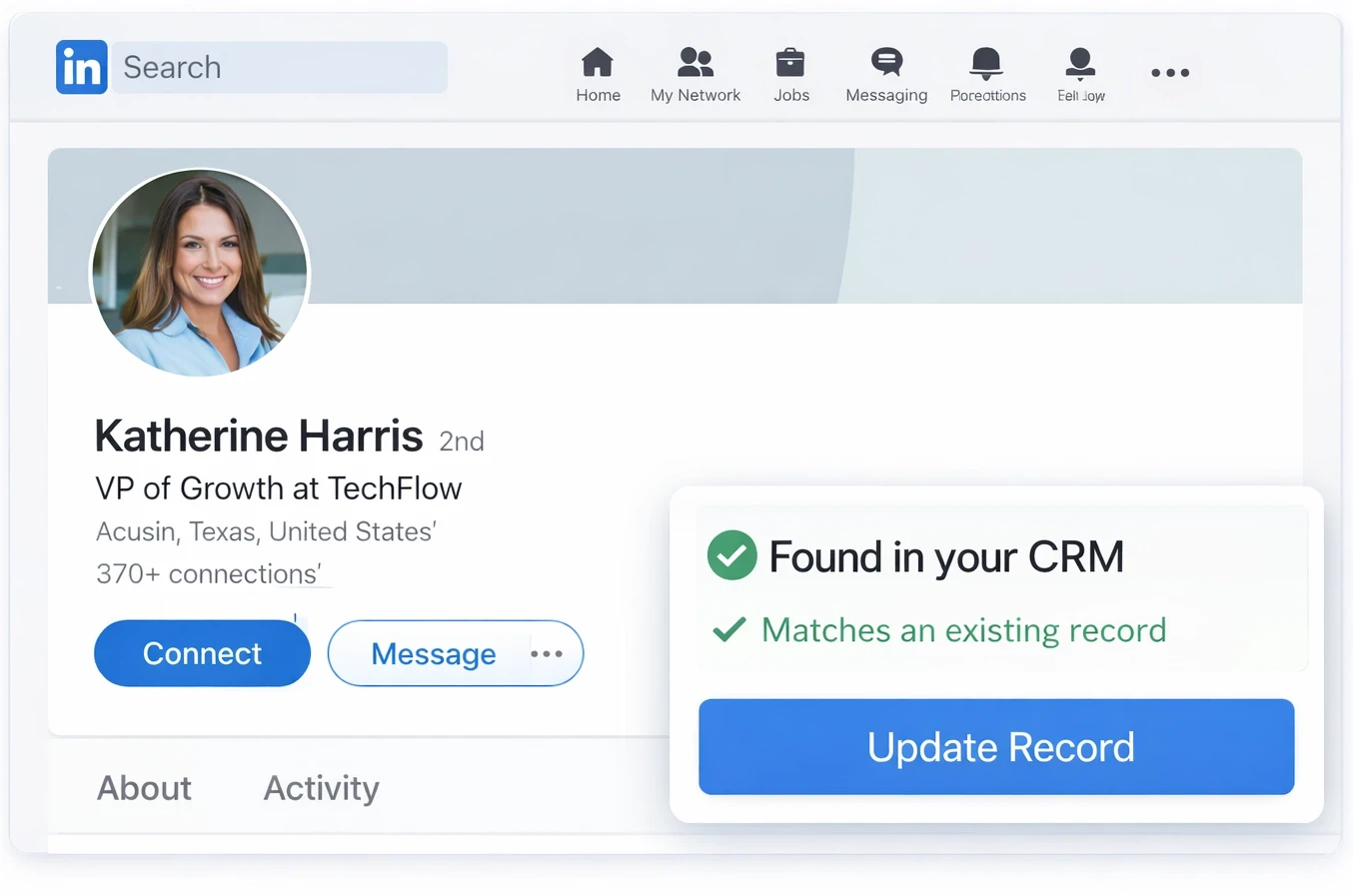
See Your CRM Info
Directly Inside LinkedIn
When you open any LinkedIn profile, LeadCRM shows whether the contact exists in your CRM and lets you sync updates without leaving LinkedIn.
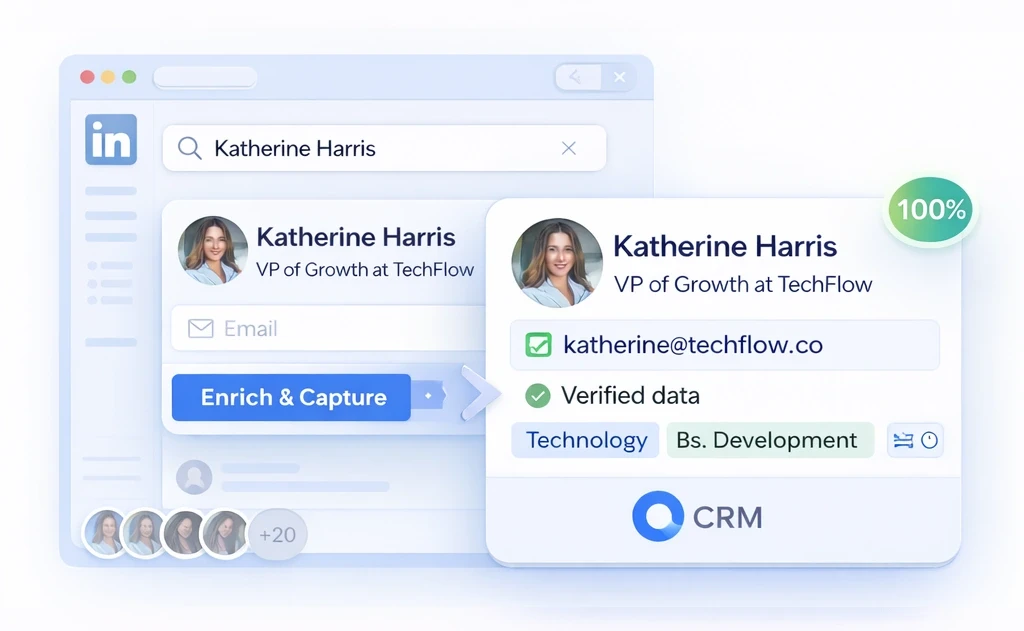
Missing Contact Details
Can Be Instantly Filled
Fill Missing Contact Information Instantly
Missing Contact Details
Can Be Instantly Filled
Enrich missing emails or phone numbers and add verified contact data without leaving LinkedIn.
Enrich missing emails or phone numbers and add verified contact data without leaving LinkedIn.
Enrich missing emails or phone numbers and add verified contact data without leaving LinkedIn.
New Leads Instantly Inside Your CRM
New Leads Instantly Inside Your CRM
Your new leads are now new contacts in your CRM and can simply be added into any ongoing CRM outreach sequences.
Your new leads are now new contacts in your CRM and can simply be added into any ongoing CRM outreach sequences.
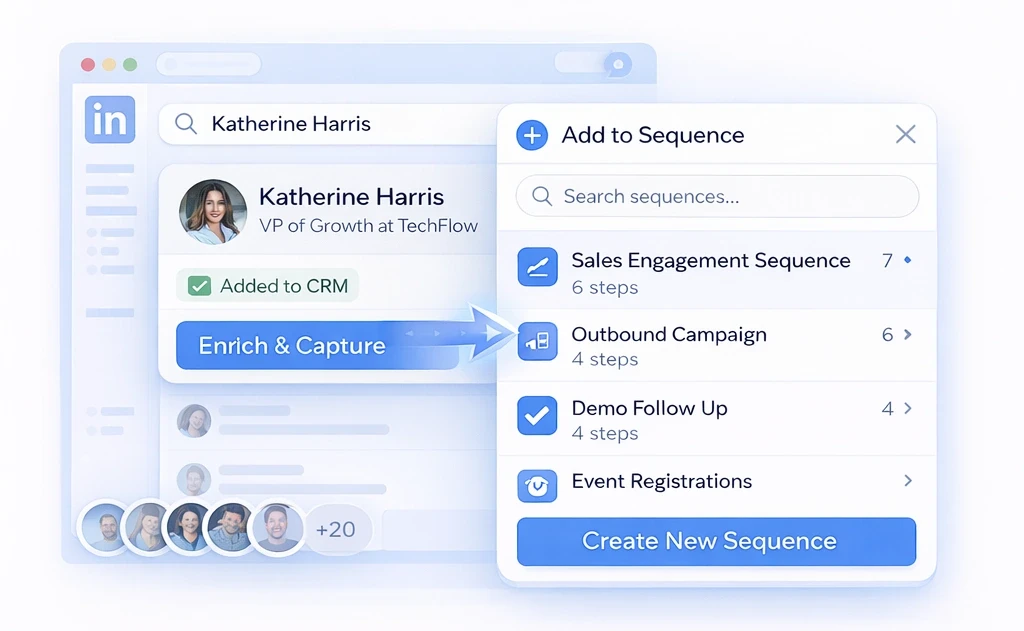
New Leads Instantly Inside Your CRM
Your new leads are now new contacts in your CRM and can simply be added into any ongoing CRM outreach sequences.
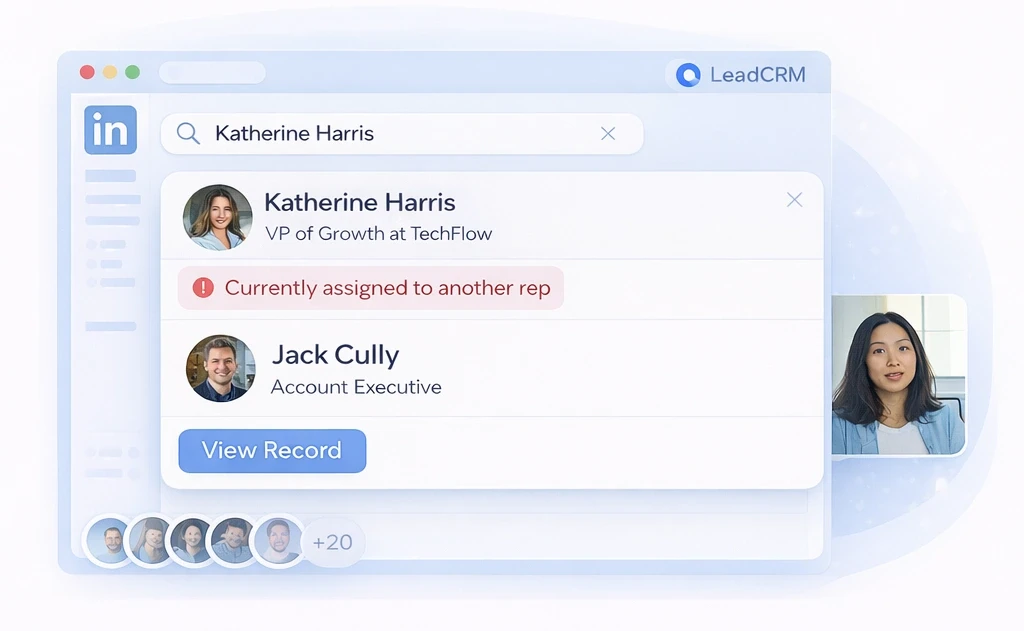
Full Network And Team Visibility
Full Network And Team Visibility
Full Network And Team Visibility
Teams love the 2 way sync feature of LeadCRM. Not only can you pull new leads, you can also see if a lead or an organization is already inside someone elses Book of Business. Prevent overlap and wasted time across your team.
Teams love the 2 way sync feature of LeadCRM. Not only can you pull new leads, you can also see if a lead or an organization is already inside someone elses Book of Business. Prevent overlap and wasted time across your team.
The 2 way sync feature of LeadCRM allows you to see if a lead or an organization is already inside someone elses Book of Business.
What Changes
With LeadCRM
The New Way To Prospect
Spend less time updating records and more time moving real opportunities forward.
More Selling Time
Remove manual updates and reclaim hours every week for real conversations.
More Selling Time
Remove manual updates and reclaim hours every week for real conversations.
Faster Follow Up
Every profile and message is ready instantly so outreach never stalls.
Faster Follow Up
Every profile and message is ready instantly so outreach never stalls.
Real-Time CRM Visibility
Your pipeline reflects real LinkedIn activity, not partial records.
Real-Time CRM Visibility
Your pipeline reflects real LinkedIn activity, not partial records.
Eliminate Duplicate Outreach
Instantly see who owns each lead and avoid internal overlap
Eliminate Duplicate Outreach
Instantly see who owns each lead and avoid internal overlap
Unlock Your Network
Sync your entire LinkedIn contact list into one searchable CRM
Unlock Your Network
Sync your entire LinkedIn contact list into one searchable CRM
What Changes
With LeadCRM
What Changes
With LeadCRM
Work directly from LinkedIn while your CRM captures, structures, and updates every interaction in the background.
LeadCRM Works With Any Major CRM
LeadCRM Works With Any Major CRM
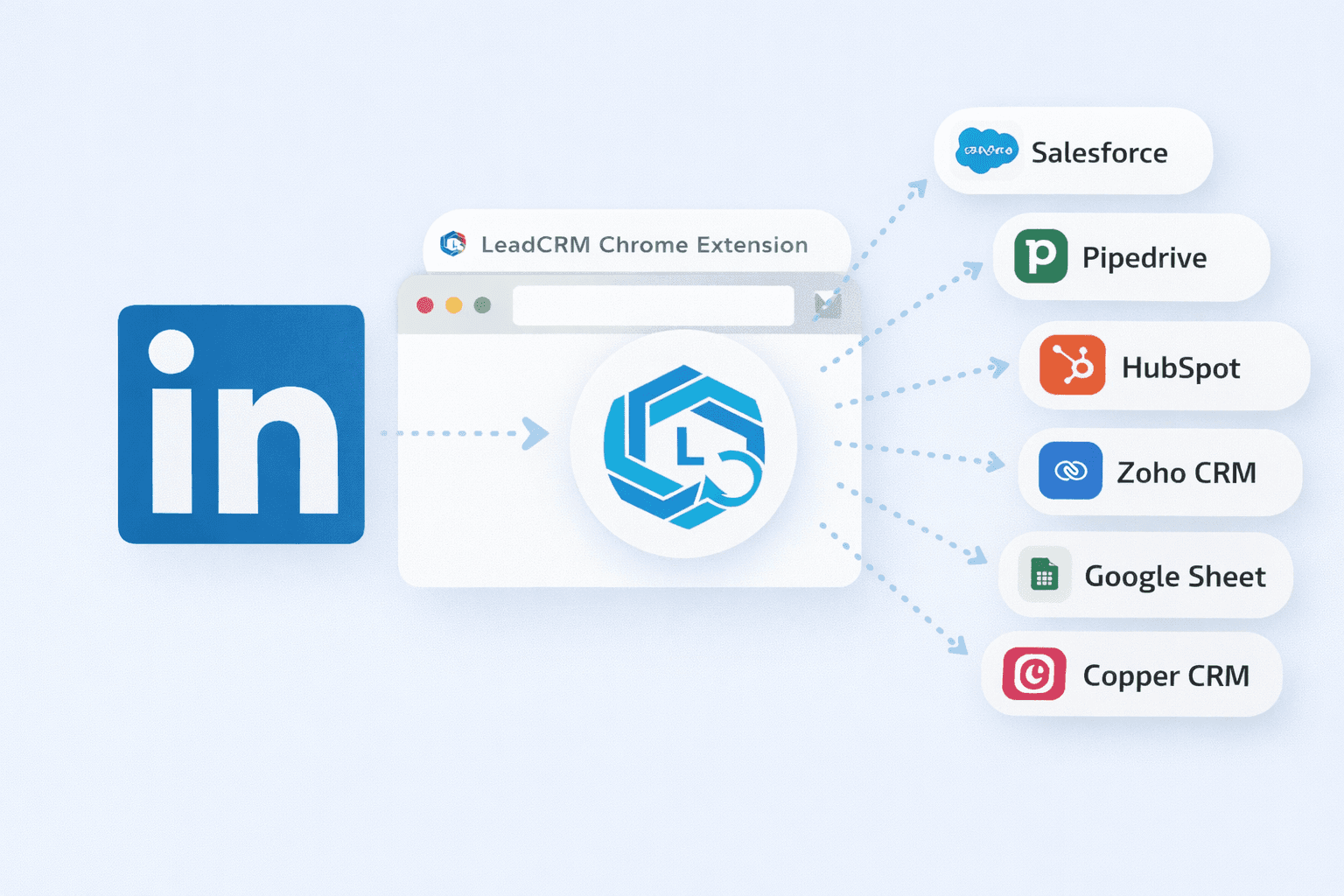


No new systems to learn and no process changes required. LeadCRM connects directly to your CRM and runs quietly in the background.
No new systems to learn and no process changes required. LeadCRM connects directly to your CRM and runs quietly in the background.
LeadCRM Works With Any Major CRM
LeadCRM Works With Any Major CRM
No new systems to learn and no process changes required. LeadCRM connects directly to your CRM and runs quietly in the background.
LeadCRM Works With Any Major CRM
No new systems to learn and no process changes required. LeadCRM connects directly to your CRM and runs quietly in the background.











Get Started For Free
Installation takes only a few clicks
☑️ Simple Chrome Plugin ☑️ No Credit Card Needed ☑️ 30 Free Credits
☑️ Simple Chrome Plugin
☑️ No Credit Card Needed
☑️ 30 Free Credits
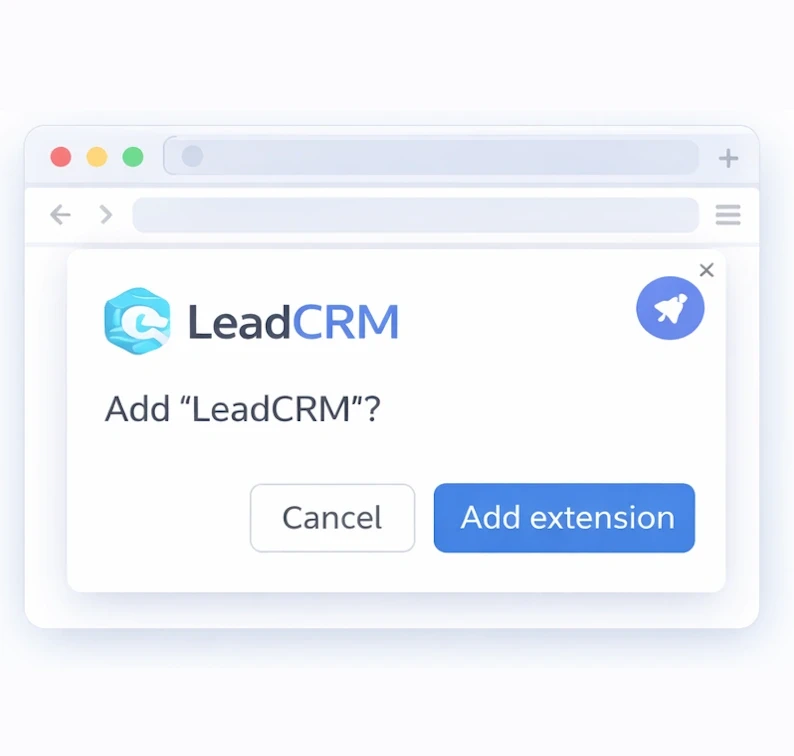
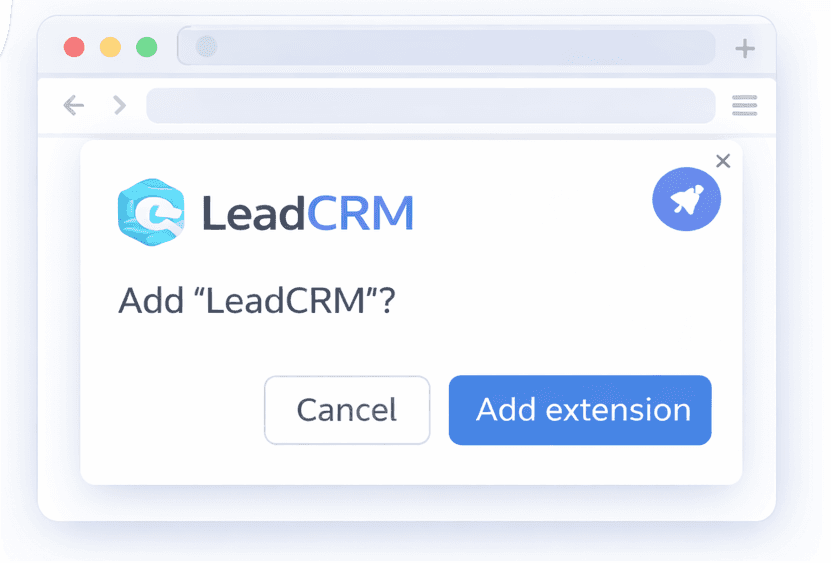
Step 1
Install LeadCRM Chrome Extension
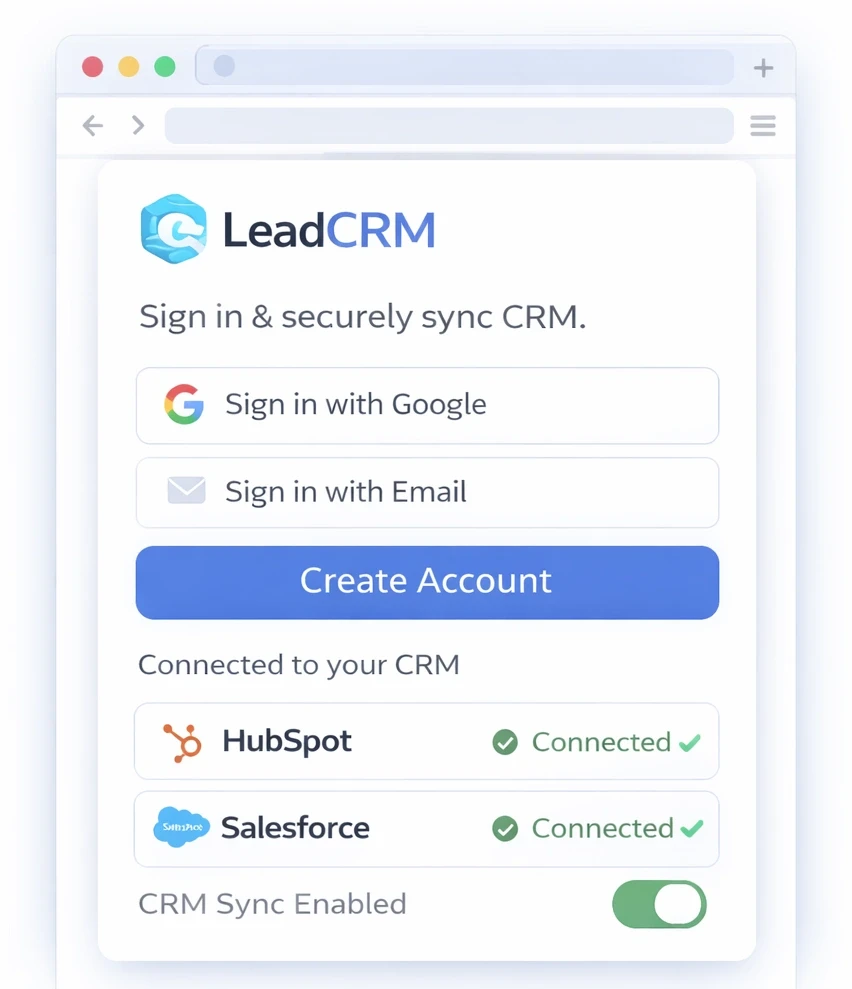
Step 2
Create LeadCRM Account and connect your cRM
Step 2
Create LeadCRM Account and connect your cRM
Step 3
Browse LinkedIn & Sync Automatically
Step 1
Install LeadCRM Chrome Extension
Step 2
Create LeadCRM Account and connect your cRM
Step 3
Browse LinkedIn & Sync Automatically
Install Free,
Chrome Exentsion
Install The Free
Chrome Exentsion
Add LeadCRM to Chrome and activate your 30 free credits in seconds.
Add LeadCRM to Chrome and activate your 30 free credits in seconds.
Start for Free. Scale When Ready
Start for Free. Scale When Ready
The extension is free to install. Upgrade anytime for more credits and higher volume.
The extension is free to install. Upgrade anytime for more credits and higher volume.
Starter
Pro
Teams
Starter
Pro
Teams
Simple, Transparent Pricing
You Can Trust
Monthly
Yearly
Starter
$199
/month
Engage up to 2,000 contacts per month using 1 agent
Email + SMS outreach
Core AI personalization & follow-ups
Team collaboration (2 seats)
Basic analytics dashboard
Professional
$299
/month
Engage up to 2,000 contacts per month using 5 agent
Email + SMS outreach
Core AI personalization & follow-ups
Team collaboration (2 seats)
Basic analytics dashboard